Getting old Java phones online again (Windows Edition)
tech j2me phone bluetooth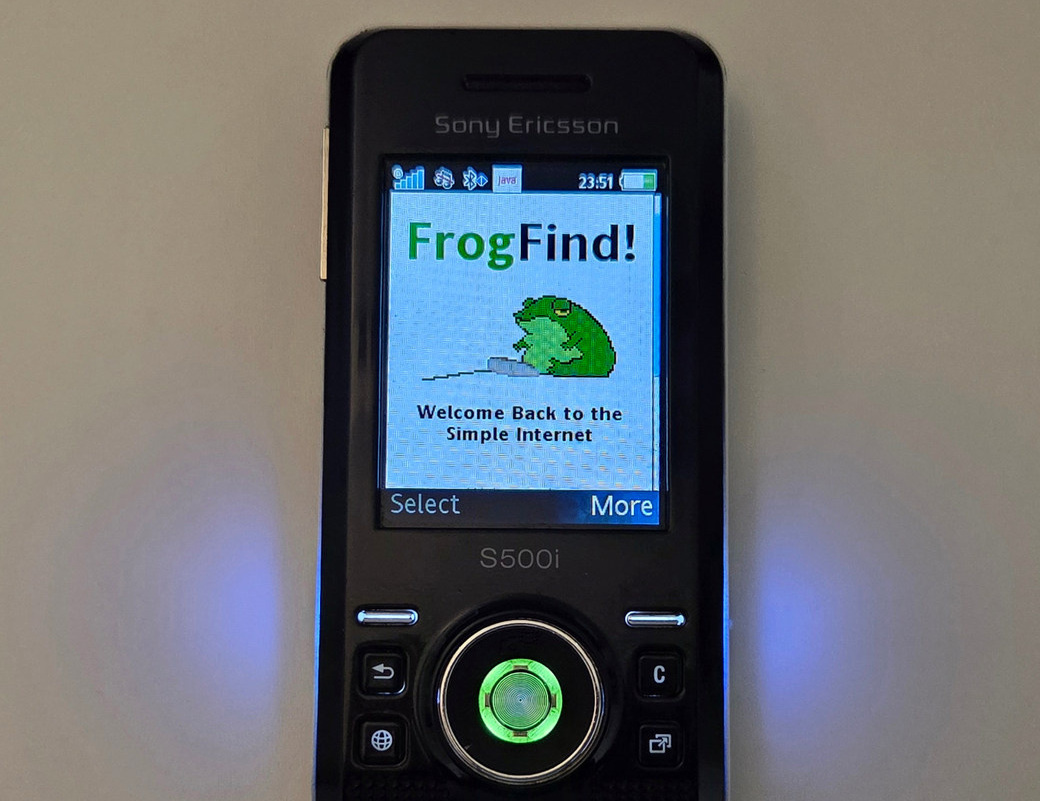
Background
After writing Getting old Java phones online again, I found out that Windows 11 can also act as a Bluetooth Network Access Point (NAP). And, surprisingly, setting it up is even simpler than on Linux!
For technical details about Bluetooth PAN/NAP, configuring the phone, and browsing the Web, please refer to the original post.
Getting online via Bluetooth
Setting up Bluetooth NAP on Windows 11
It turns out that Windows 11 still supports sharing an Internet connection over Bluetooth, and everything can be configured through the Settings app.
-
Open
Settings / Network & internet / Mobile hotspot. -
Under Share my internet connection from, select the connection you want to share.
-
Set Share over to Bluetooth.
-
Turn on Mobile hotspot.
-
Pair the phone with the computer through
Settings / Bluetooth & devices.
And that’s pretty much it! Windows now provides the Bluetooth Network Access service, allowing compatible phones to access the Internet through your computer.
Connecting the S500i
The phone-side configuration is the same as with Linux.
-
On the S500i, go to
Connectivity / Bluetooth / My devicesand select your Windows computer. -
Browse its available services and look for Network access.
- Configure the phone’s Internet profile to use the Bluetooth connection, as described in the original guide.
Note: Start the Sharing before connecting/pairing, otherwise the phone will not be able to use the connection.
- Open the phone’s browser and try loading frogfind.com.
That’s it! The S500i is online again, this time through Windows.
Again, for discussion on technical details, web browsing and other fun stuff refer to Getting old Java phones online again.
Have fun and happy hacking!